
Three releases this week cover how agents build, operate and read screens. Flutter's A2UI 1.0 puts nesting rules and backend calls in the catalog. Microsoft Foundry Agent Service made browser automation generally available. Cloudflare's /snapshot now returns four more formats from one page load.
AI agents increasingly work with screens directly, not only with text. This week brought one release for each of three parts of that work: building a screen, operating someone else's screen, and reading a page.
- On November 17, the Flutter team released A2UI 1.0 and the Flutter package
a2ui_flutter.a2ui_flutteris not a new package. It is the new name of the earliergenui. - On November 18, at Ignite 2026, Microsoft Foundry Agent Service made computer use and browser automation generally available.
- On November 19, Cloudflare Browser Run's
/snapshotadded PDF, links, scraped elements and extracted JSON to the formats it returns from one page load.
Image: devs7udio, a diagram that sorts the three releases into build, operate and read
A2UI is a protocol that lets an agent answer with working widgets in place of text. The Flutter team calls this Generative UI, and its post opens with a rule for when to use it. Generative UI is not meant to replace an app's deterministic screens. Forms, lists and navigation tabs are fast and predictable, so if a static form already handles a workflow cleanly, the team says keeping it is a good option.
Generative UI fits when the right screen depends on reasoning over open-ended context. The team's example is Commis, a catering app demo. Ask whether a menu needs to change for a host who is allergic to shellfish, and the agent confirms the current menu is safe, then shows only recipes without shellfish. The app needs no allergy checkbox and no search filter.
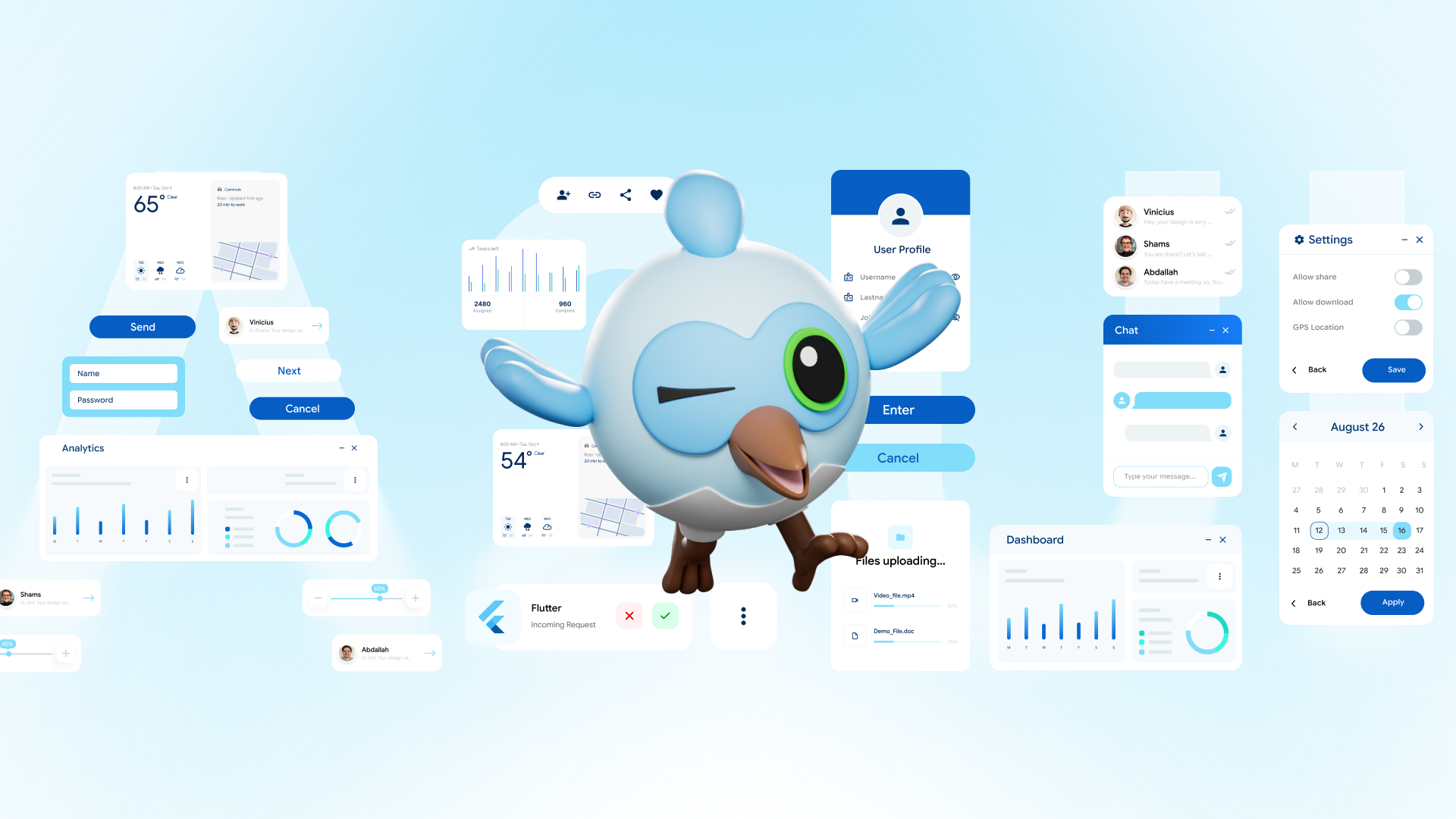
Image: The Flutter Blog, CC BY 4.0
Give an agent too little freedom and it cannot adapt to users. Give it too much and it produces odd combinations. The Flutter team's example is a model that notices a button accepts a child and puts a DataTable inside it.
A2UI 1.0 adds allowedParents and allowedChildren to the catalog schema. The catalog is the list of components an agent may use. The two properties work in two places. The schema is part of the agent's prompt, so the model knows the valid nesting in advance, and the client checks it again before widgets are built.
If a model still returns an invalid hierarchy, a2ui_flutter does not crash or render a broken screen. It catches the validation error and tells the agent with an UNALLOWED_PARENT or UNALLOWED_CHILD error.
The architecture is smaller too. The six concepts of earlier genui releases were consolidated: the transport abstraction is gone, and one MessageProcessor handles catalogs, message validation and surface state. In A2UI 0.9 each surface was tied to a single catalog. In 1.0 you pass a list of catalogs to MessageProcessor, and one surface can mix components from several.
When an agent streams a screen in real time, every output token adds latency. The Express inference format in A2UI 1.0 writes the same component tree in a compact function-call syntax. In the Flutter post's example, Express describes five components in 46% fewer characters than minified JSON.
- Express format46%
fewer characters than minified JSON in the example
- GenUI Clinic5s
full-screen dashboard generation, down from 10 seconds
Solid Software tested Express in GenUI Clinic, a healthcare prototype that composes read-only briefs from a patient's medical history and visit reason. The agent only selects widgets and cannot alter clinical data. The team reports that switching to Express cut full-screen dashboard generation from 10 seconds to 5 seconds.
A2UI 1.0 also reflects that not every tap is a new question. Tapping a chart bar deserves a new LLM turn, but moving a slider or a stepper inside a card should not wait several seconds. callAgentFunction lets a rendered widget call a deterministic function on the agent backend directly. The backend recomputes the result without the LLM, and the data lands back in the existing component.
Somnio Software built an open-source portfolio app around this distinction. It kept the three ideas, out of eight candidates, that beat a static form. When a user changes a quantity on a stepper in the order ticket, weights, fees and remaining cash update in under a second without a new chat turn.
Sometimes an agent has to operate a screen someone else built. These are tasks where there is an application interface and no API. In its Ignite 2026 post on November 18, Microsoft Foundry Agent Service made computer use and browser automation generally available for such tasks. Voice agents became generally available in the same post.
Browser automation combines isolated browser sessions with human oversight. People watch through Live View and take over with Take control, and session recordings are kept in customer-owned storage. Access to applications behind private virtual networks is still in preview.
- Task → Isolated browser session
- Isolated browser session → Live View
- Live View → Take control (when needed)
- Isolated browser session → Session recording
The same post lists several settings for the teams that run agents. Availability differs by item, so the table separates it.
| Microsoft Copilot harness | Public preview | Microsoft runs the agent loop and sandbox, and the team brings knowledge, skills and tools |
| Network egress controls | Generally available | Define which destinations managed hosted agents can reach, enforced outside the sandbox |
| Shared subnet IPs | Generally available | Sessions share subnet IP addresses and keep their own VM-isolated sandboxes |
| Long-running resiliency | Generally available | Recovers long-running jobs after crashes, restarts or redeployments |
| Memory snapshots | Public preview | Restores an initialized agent state to reduce cold starts |
| Private certificate authority trust | Public preview | Connects to internal APIs, MCP servers and model gateways that use the organization's certificates |
Three conditions come with numbers. The default quota for shared subnet IPs is 1,000 to 2,000 concurrent sessions per subscription and region, with increases on request. Idle timeout is set per agent version, from 2 minutes to 4 hours, and is 15 minutes by default. When a session goes idle, compute is released and its state is saved.
The post also states the caveats. Long-running recovery reruns the handler, so developers should save progress and prevent duplicate side effects. With network egress controls, traffic can be audited before rules are enforced, to build an allowlist from actual usage.
Cloudflare Browser Run's /snapshot endpoint loads a page once and returns it in several formats. According to the November 19 changelog, it used to return HTML, screenshots, Markdown and the accessibility tree, and it now adds pdf, links, scrape and json. Before, a workflow that also needed a PDF or structured data had to prepare the same page again in a second request.
Image: devs7udio, a diagram of the Cloudflare changelog
There are five conditions.
- You still need to request at least two distinct formats. For one format, use its single-format endpoint.
- Formats are captured in a fixed order, not the order of the
formatsarray, and the PDF is printed last because print handlers can change the page. - A live page can change between captures, and any format that fails fails the whole request.
- JSON extraction uses Workers AI, so the request incurs Workers AI usage. It needs
promptorresponse_format. - For JSON snapshots, one
actionTimeoutbudget covers navigation, captures, retries and the AI request. The default is 60 seconds and the maximum is 120 seconds.
Interpretation: the changelog does not mention agents. Still, opening a page to collect its links and read its content as structured data is something agents often do on the web, so one load in place of two means fewer requests and less waiting.
The three releases belong in one post because each makes a team write down how far an agent's work with screens goes. A2UI puts which component may go where in the catalog. Foundry turns session isolation, recordings and outbound destinations into settings. /snapshot ties failure and time limits to a single request.
A small team can write down four things before handing screens to an agent.
- Separate the places where a deterministic screen is enough from the places that need Generative UI.
- Keep a list of the components the agent may use and the functions it may call without the LLM.
- For browser work, decide how sessions are isolated, how a person takes over, and where recordings are kept.
- For reading pages, check the number of loads, the time limit, and which formats incur AI usage.
The figures in the Flutter post come from one example and two partner teams, so these posts do not show whether other apps would see the same effect. Foundry's capabilities are a mix of generally available and preview, so check the status of the one you plan to use.
- FlutterAnnouncing A2UI 1.0 and a2ui_flutter (opens in a new tab)The Flutter Blog, November 17
- MicrosoftWhat's new in Foundry Agent Service at Ignite 2026 (opens in a new tab)Microsoft Foundry Blog, November 18
- CloudflareCapture PDFs, links, scraped elements, and extracted JSON with /snapshot (opens in a new tab)Cloudflare changelog, November 19